Get In Touch

Scarica ThinX OS — prova gratuita
ChipPC Technologies
ThinX OS

Il sistema che
funziona e basta.

ThinX OS è il sistema operativo Linux embedded di Chip PC Technologies, progettato per thin client. Si avvia in pochi secondi, si collega subito e lascia a Xcalibur Global la gestione remota di ogni impostazione. Niente complessità locale: solo produttività.

Secondi
Tempo di avvio
Sola lettura
File system root
Nessun
IT in locale richiesto
Principali
Protocolli VDI
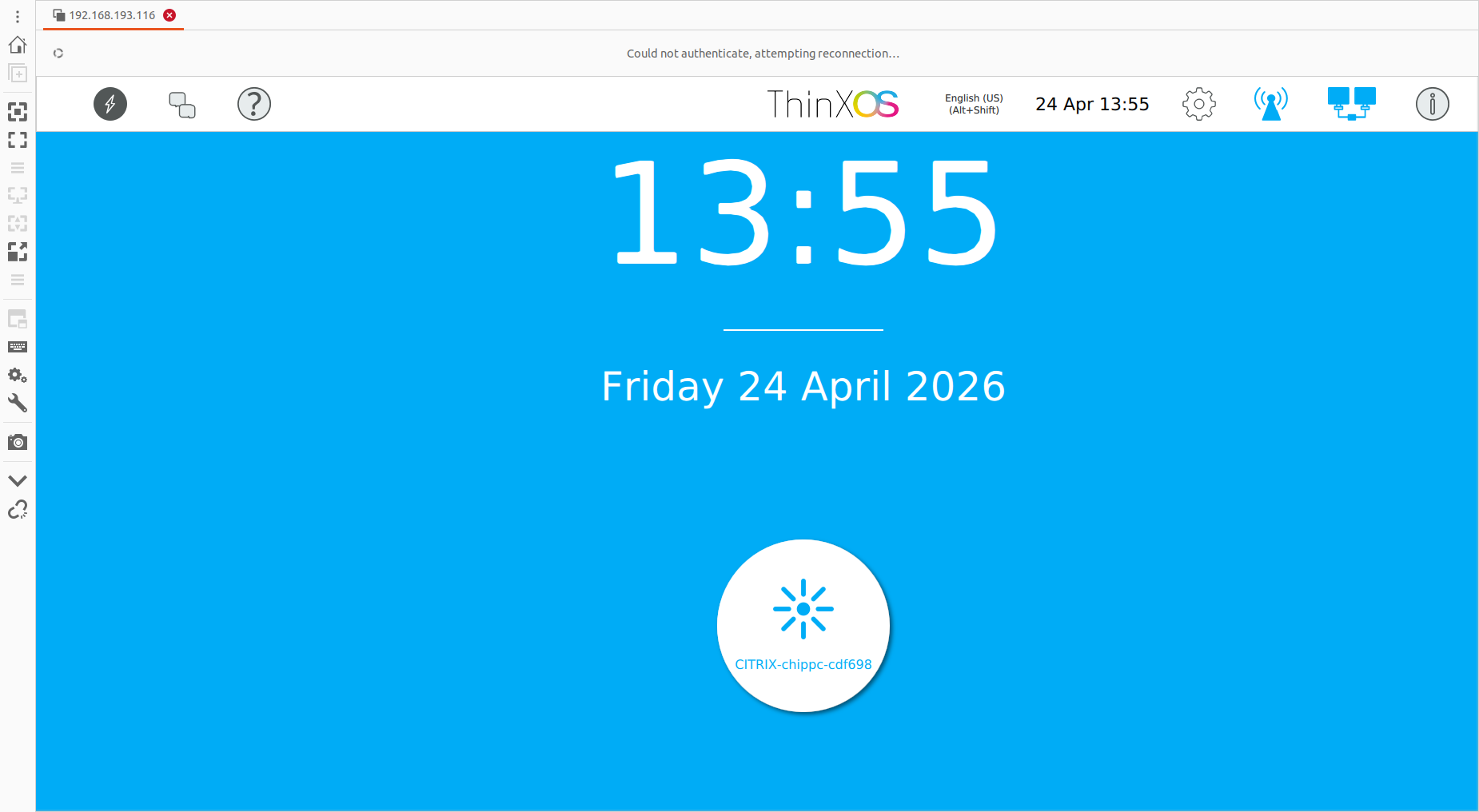
ThinX OS desktop — connection icons, system tray and clean Linux thin client interface File system in sola lettura RDP · Citrix · Horizon Distribuzione senza intervento in loco 802.1X EAP-TLS USB Policy Enforced
Boot: [ READY ]

ThinX OS — Clean, fast, and fully managed from Xcalibur Global

La gestione IT
non deve essere complicata.

Most thin client OS solutions require local administrators, complex imaging workflows, and on-site technicians. ThinX OS flips this model completely. Every setting — from display resolution to VPN credentials — is pushed remotely from the Xcalibur console. You never need to touch a device again.

Richiedi una prova gratuita — nessuna carta di credito

Distribuzione senza intervento in loco

Plug in a ChipPC device — it auto-registers to Xcalibur and receives its full configuration without any manual steps.

Push Everything Remotely

Display settings, connections, wallpaper, screensaver, security policies — all configured and deployed from Xcalibur in seconds.

Inherently Secure

Read-only filesystem means ransomware and malware have nowhere to persist. Nothing to patch, nothing to maintain locally.

USB Recovery in Minutes

If anything goes wrong, flash a new device from a USB stick with Rufus. Back online in under 5 minutes.

Trusted by IT teams in 30+ countries — across

Pensato per i settori che non possono fermarsi

From hospitals to trading floors, ThinX OS delivers the same predictable, secure, and easy-to-manage endpoint experience.

Sanità

HIS / EHR access, fast user switching, kiosk lockdown for clinical workstations.

Banche e finanza

Hardened endpoints for trading floors, branch tellers, and back-office VDI sessions.

Pubblica amministrazione

802.1X-secured devices with audit trail, SSL/TLS certificates, and zero local storage.

Education

Lab classrooms and shared workstations with centrally pushed connections and policies.

Retail / Hospitality

POS, BackOffice, and kiosk endpoints — boot ready, replaced in minutes from a USB stick.

Call Centers

Plug-and-play VDI agent stations with USB headset / mic redirection and remote support.

Ciò che serve agli endpoint.
Nient’altro.

ThinX OS is lean by design — no bloat, no background processes, no vulnerabilities

Avvio rapido

From cold start to the connection screen in seconds. No splash screens, no loading bars, no waiting.

Progettato per ridurre i rischi

Read-only root filesystem. No write access for users or applications. Designed with a read-only root filesystem to reduce malware persistence.

Protocolli VDI Built-In

RDP, Citrix ICA/HDX, VMware Horizon (Omnissa Blast/PCoIP) and VNC — all native, all optimised.

Distribuzione senza intervento in loco

New device powers on, discovers Xcalibur on the network, downloads its full configuration — automatically.

Fully Remote Config

Every parameter pushed from Xcalibur. Display resolution, VNC password, auto-login, screensaver — all without touching the device.

Rete Diagnostics

Built-in ping, traceroute, and connectivity tests. Diagnose issues directly from the device or remotely via Xcalibur.

USB Recovery

Create a bootable USB stick with Rufus. Reinstall a device in minutes — no imaging server needed.

Xcalibur Integration

Full bi-directional management: push tasks, update OS, take remote control, view audit logs — all from Xcalibur.

Uno sguardo a ThinX OS

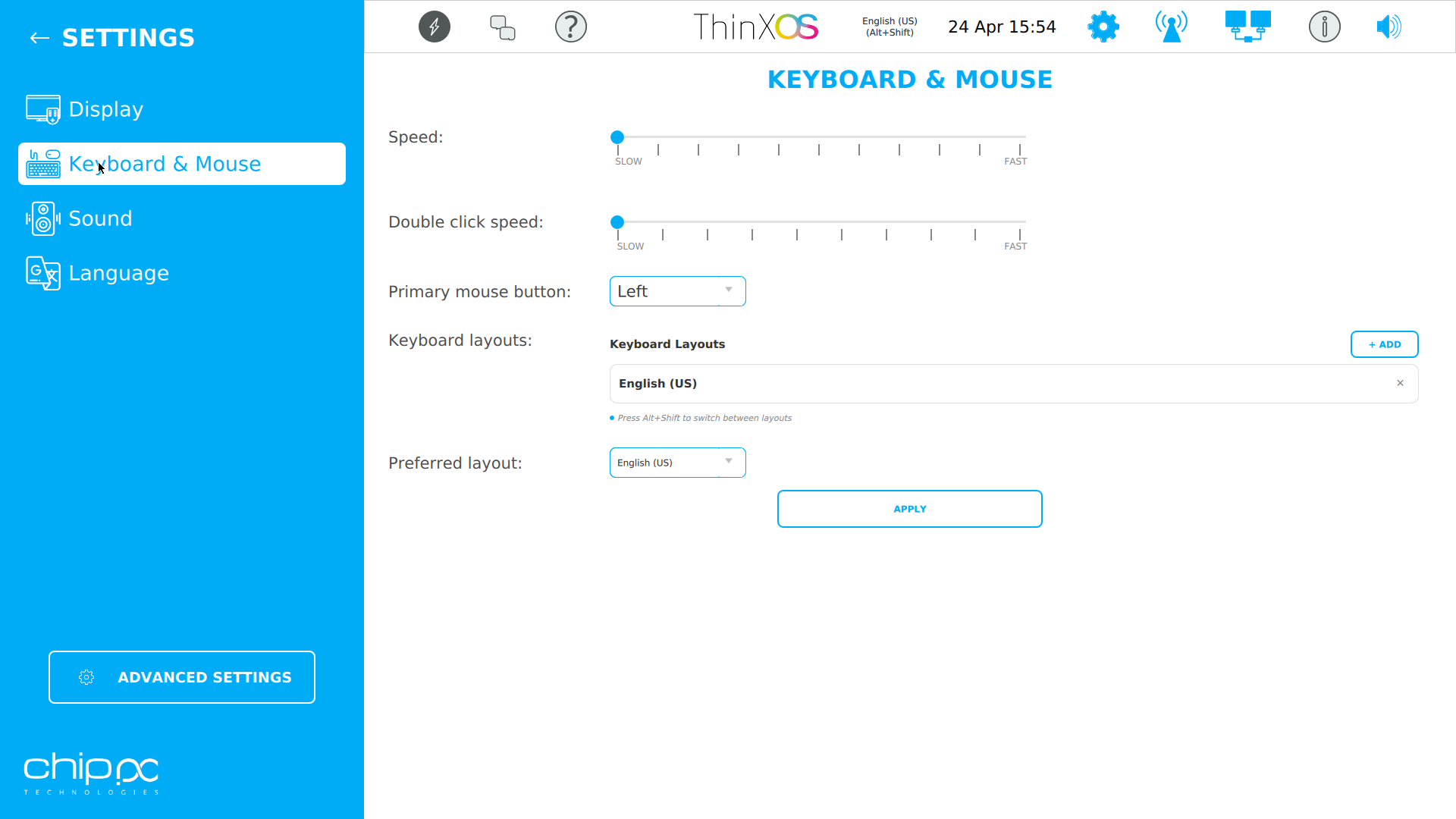
Simple panels, clear settings, zero clutter — designed for users who just want to work

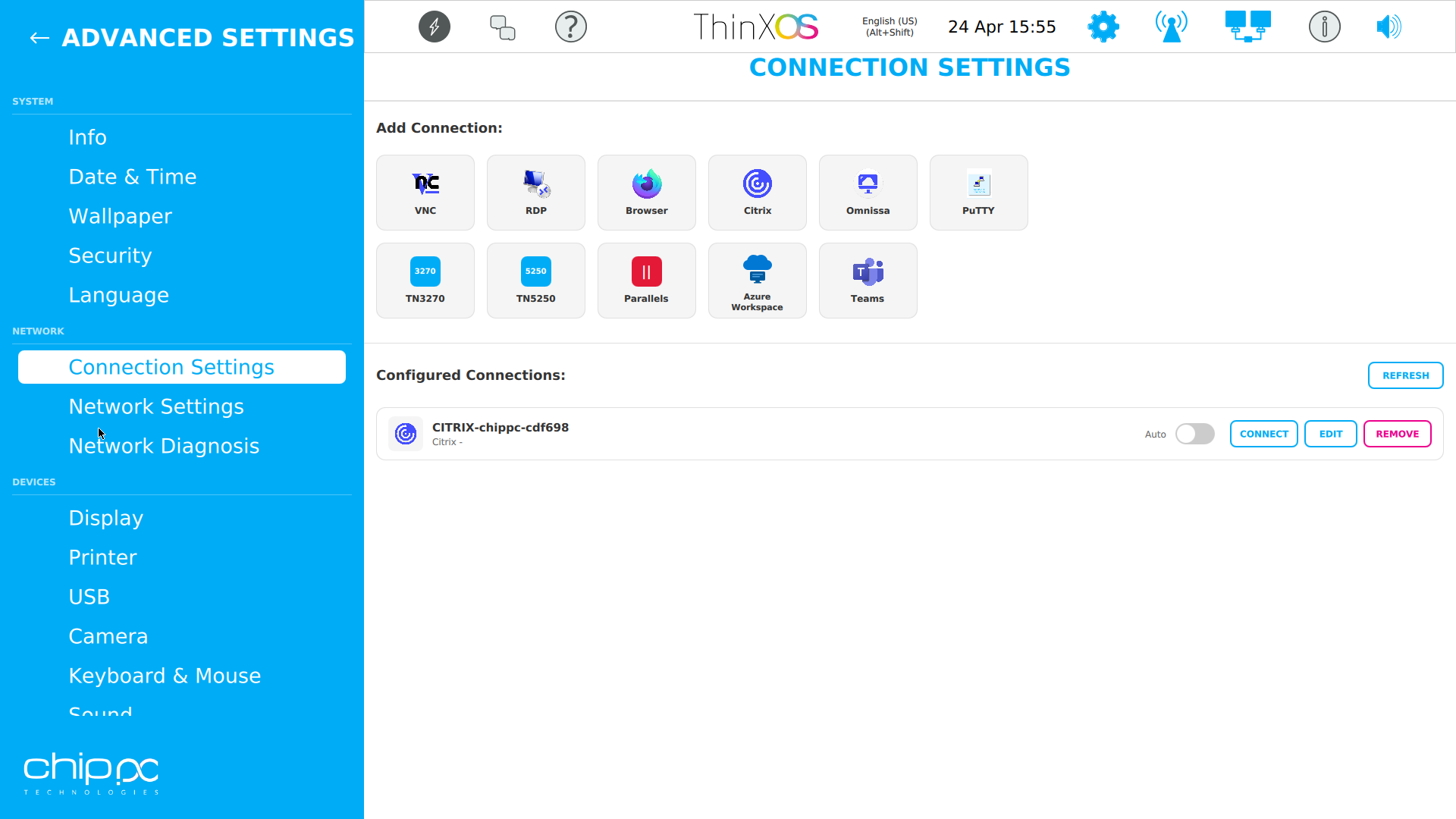
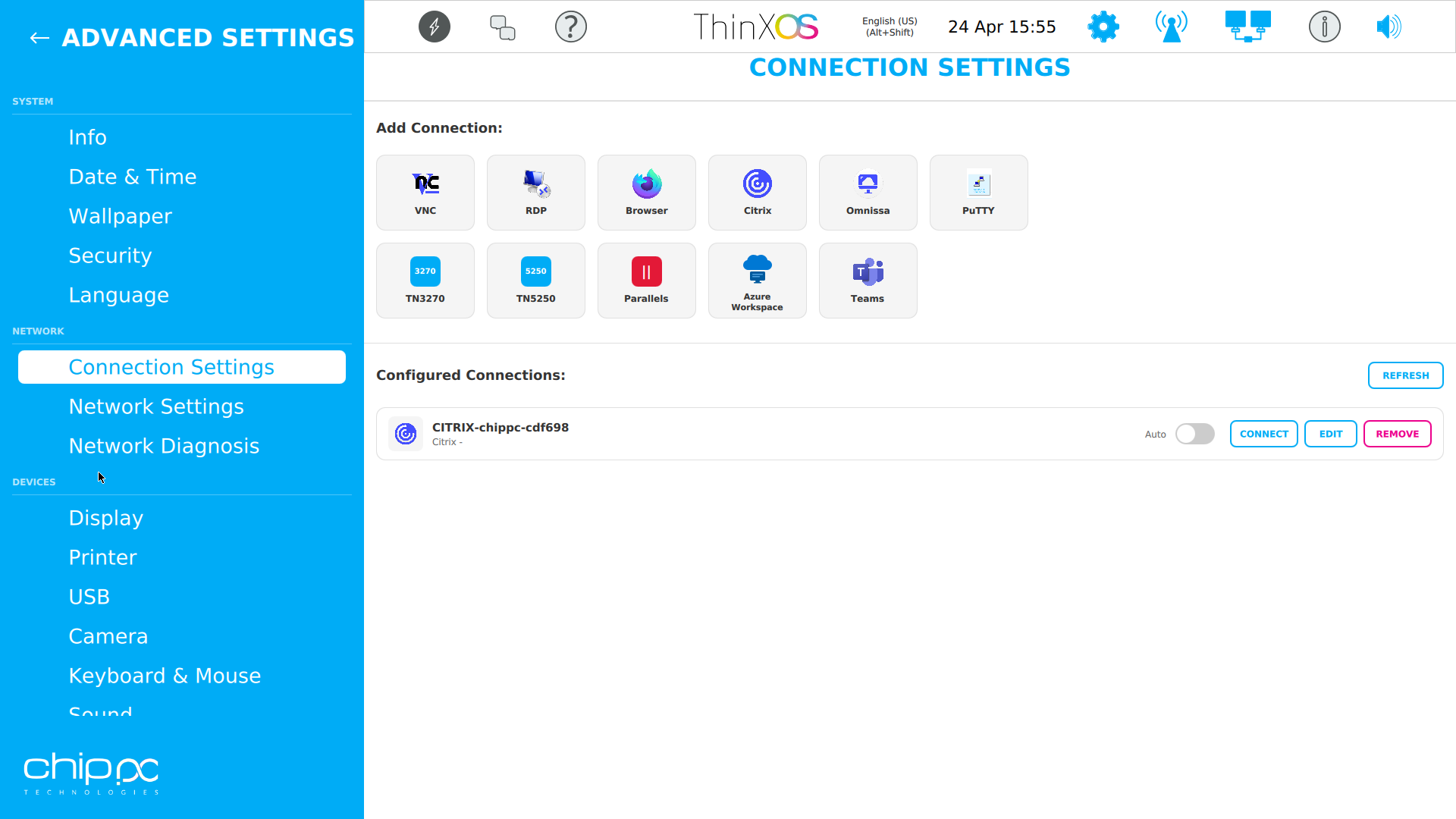
Connections
Connections Panel
Rete
Impostazioni di rete
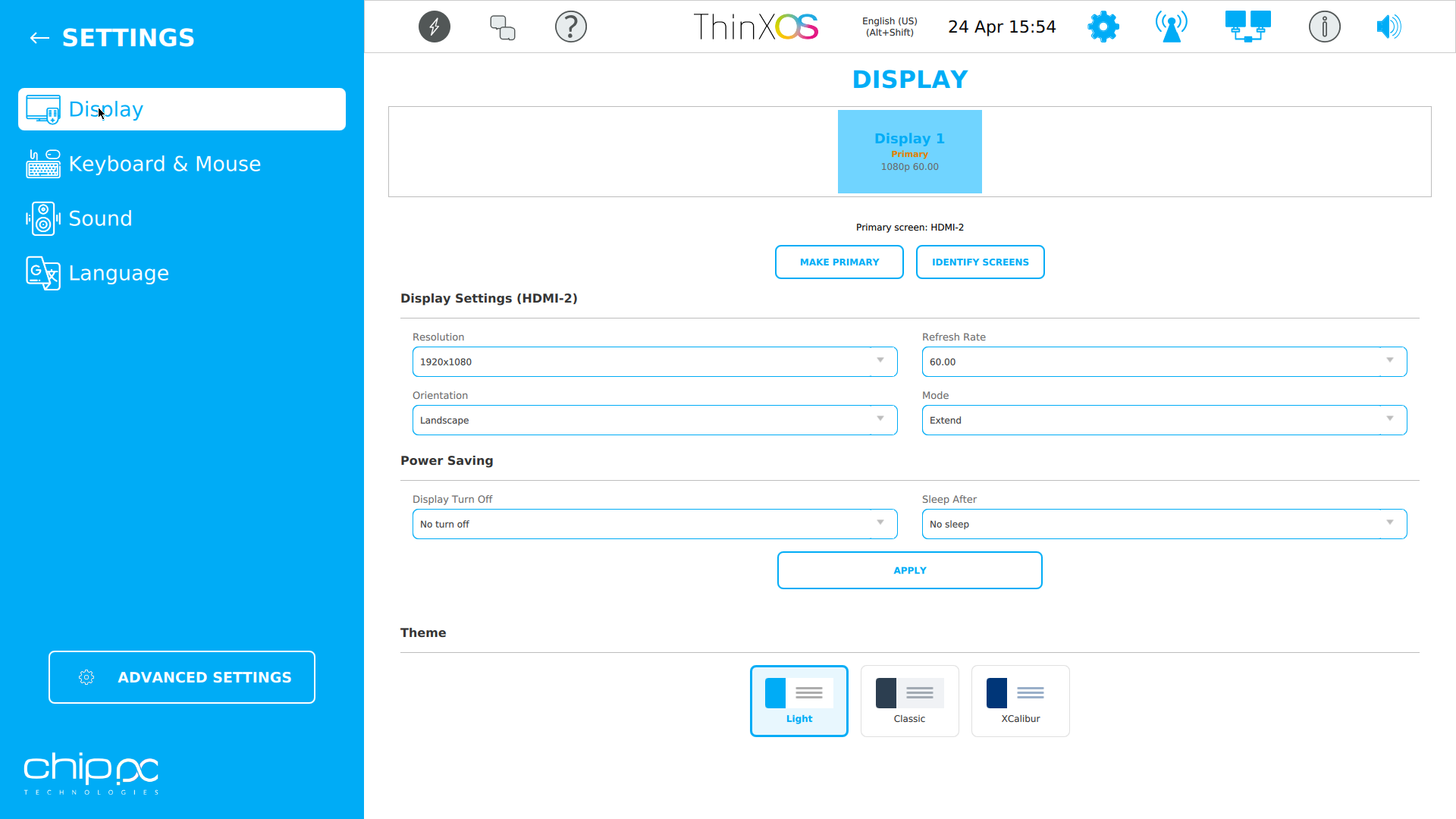
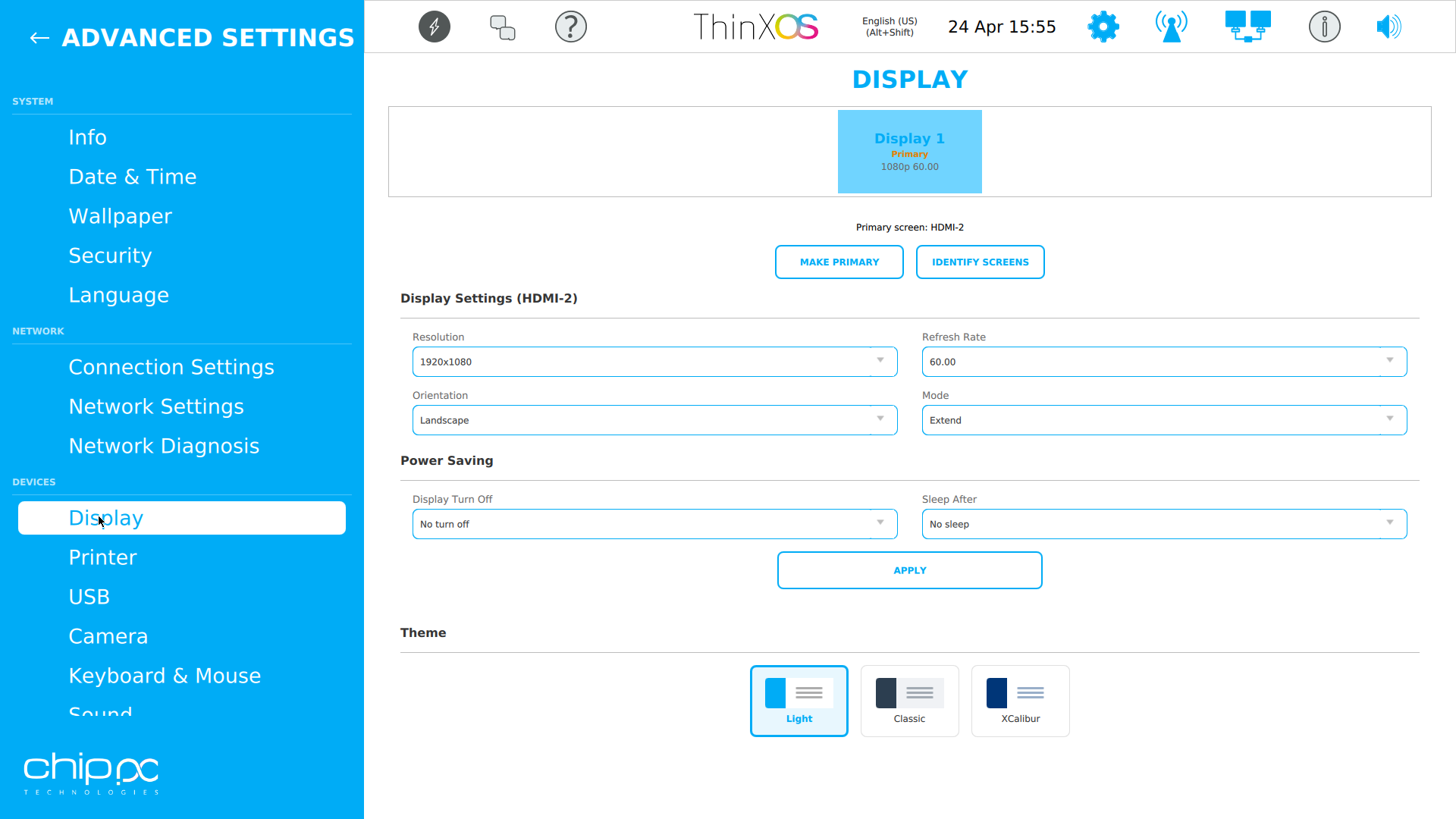
Display
Display Settings
Security
Security
USB
USB Settings
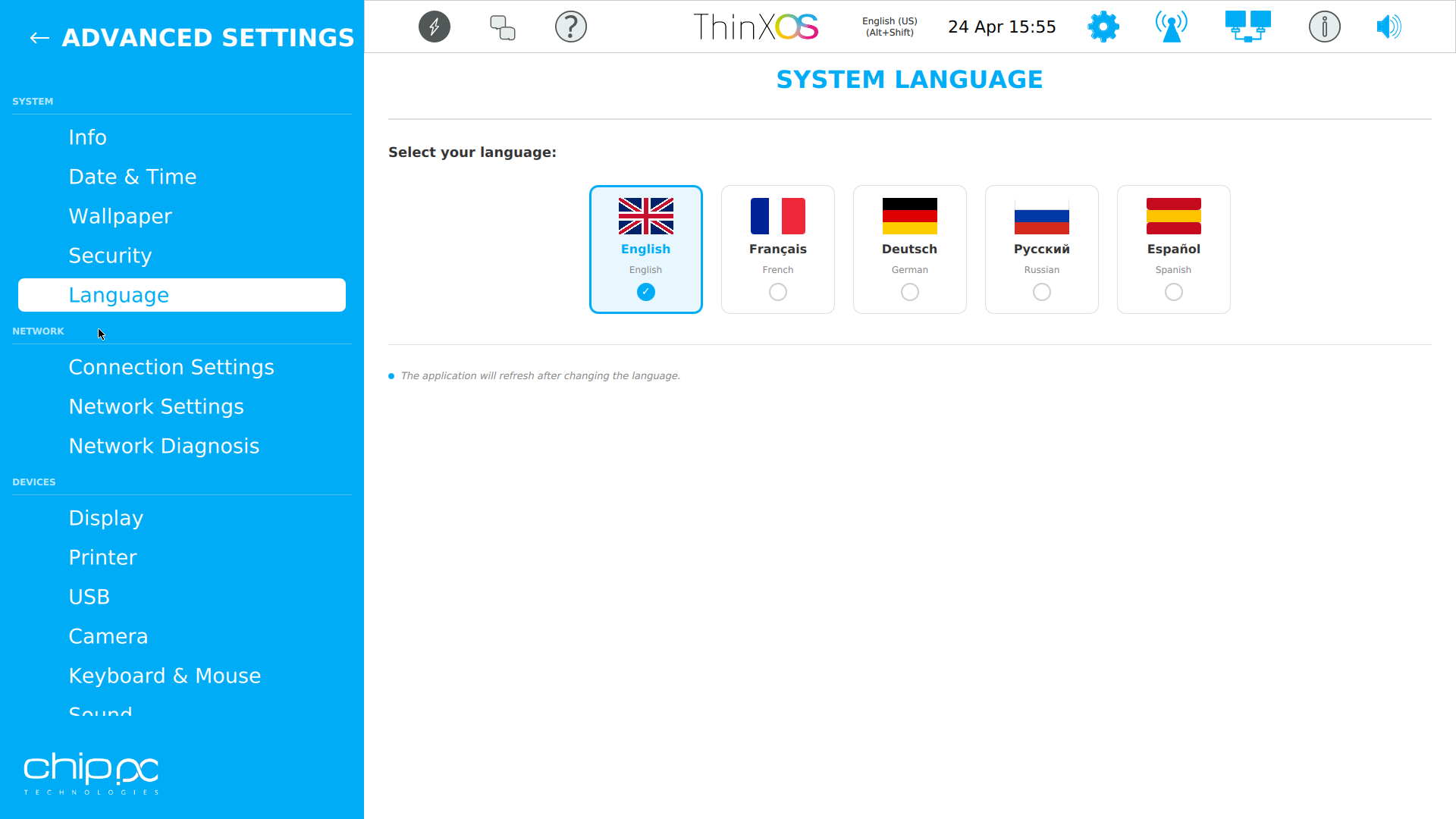
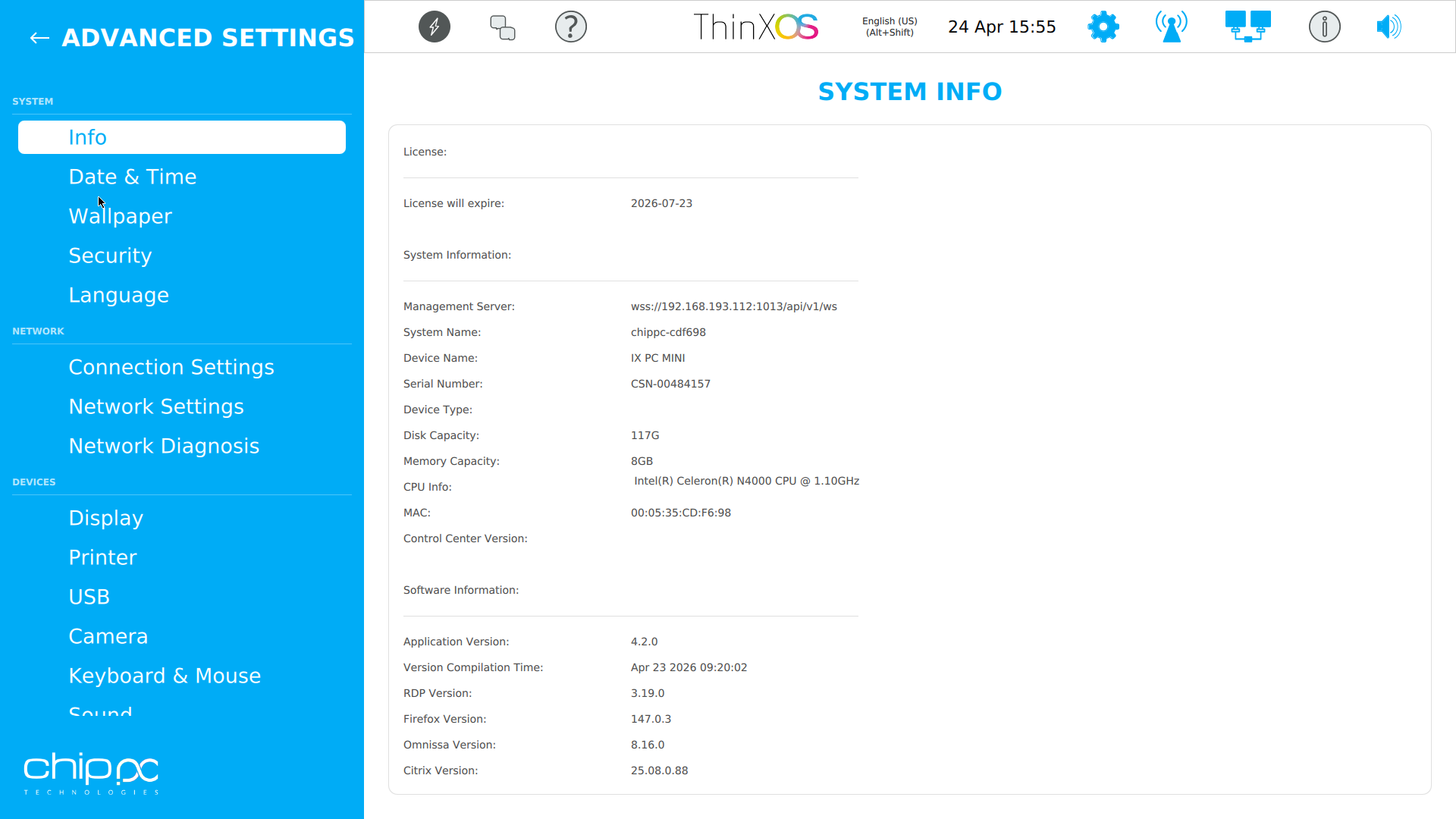
System Info
System Information
Rete Diagnostics
Rete Diagnostics
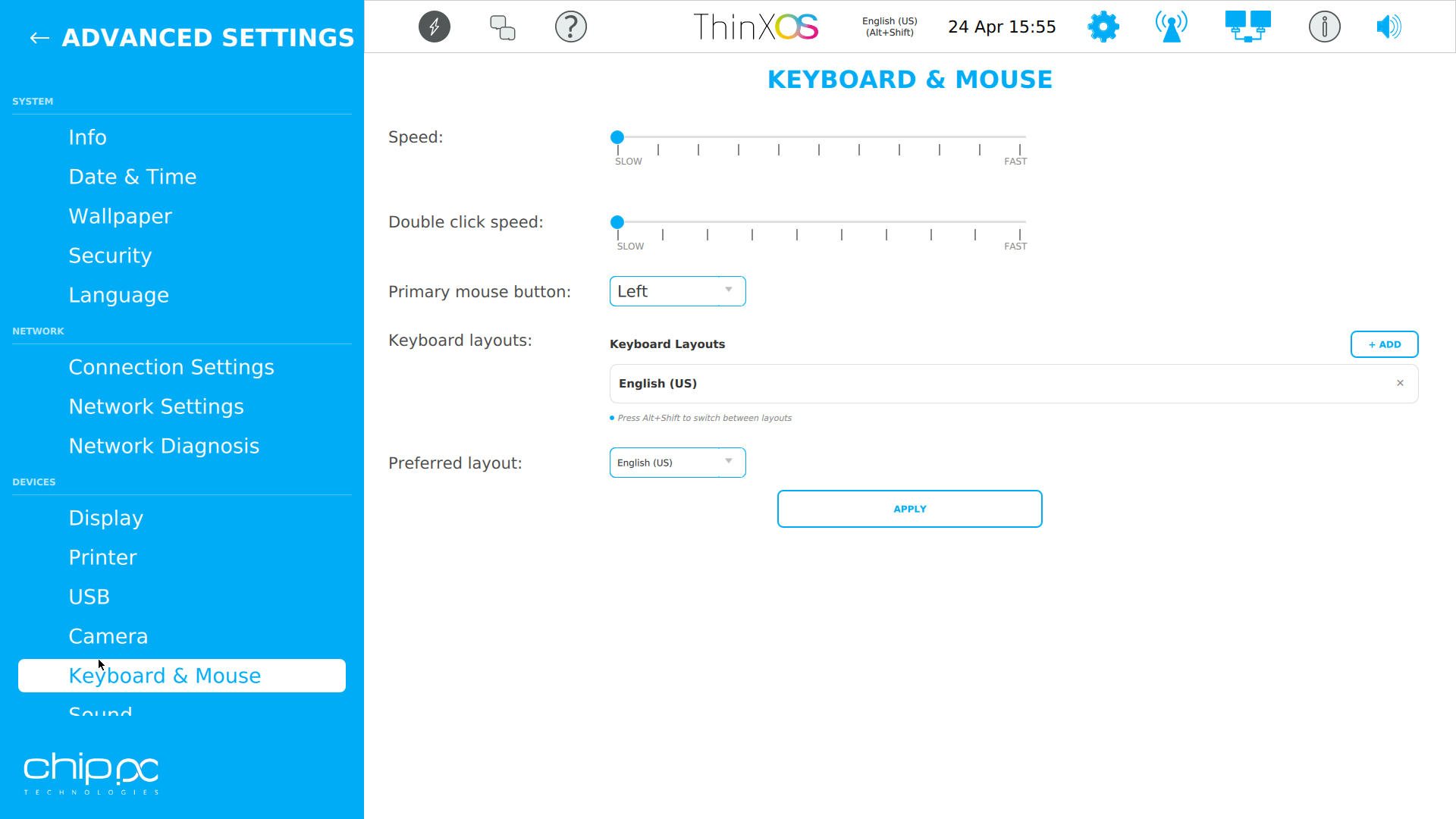
Keyboard
Keyboard & Input
Date & Time
Date & Time

Fare clic per ingrandire

Prima configurazione in pochi minuti

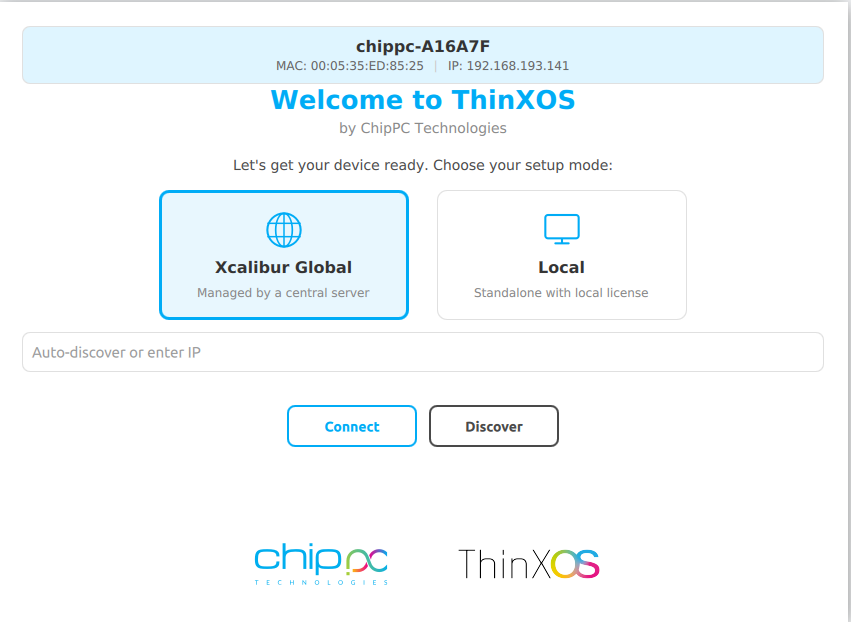
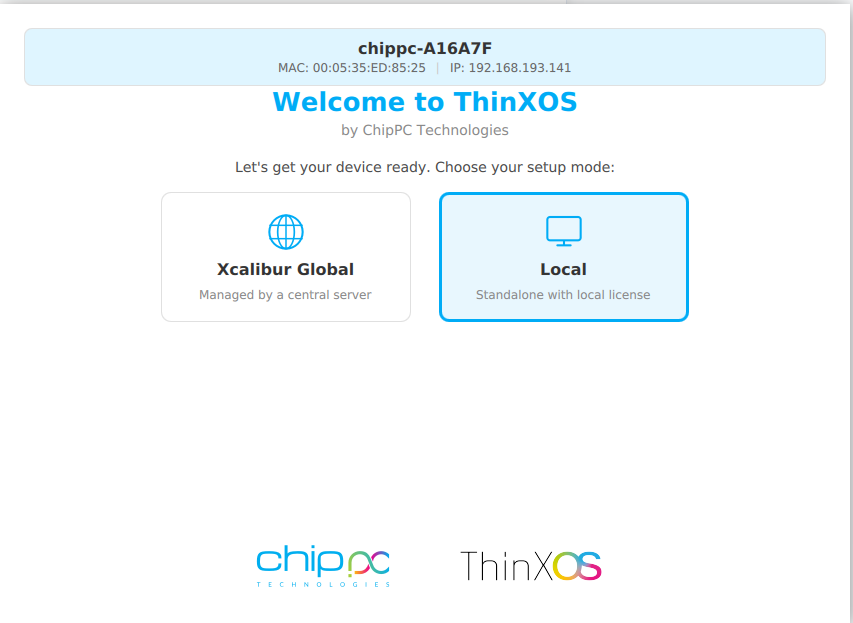
The ThinX OS setup wizard is so simple, your users can do it themselves

Welcome — choose Xcalibur or Local
1

Benvenuto — scegli la modalità

Choose between Xcalibur Global (managed fleet) or Local (standalone).

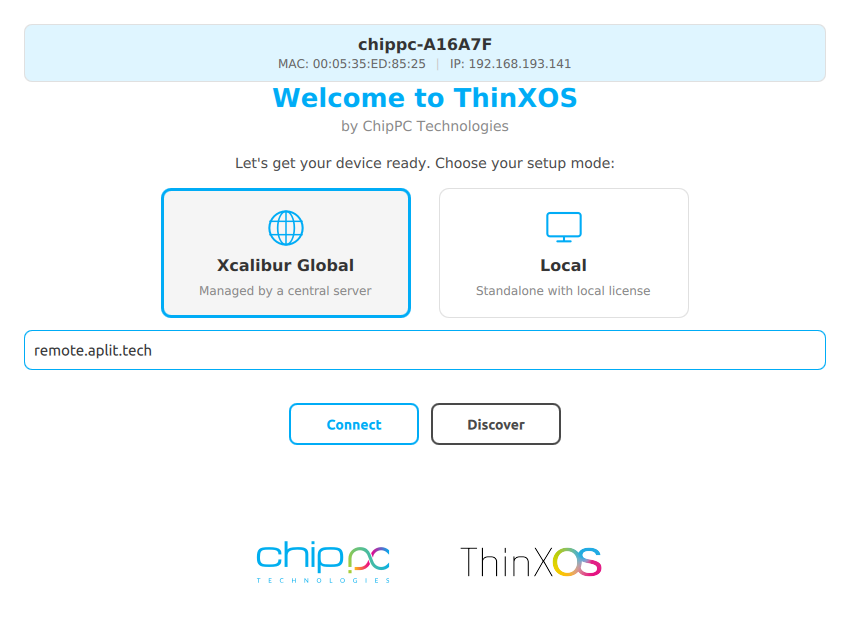
Collegamento a Xcalibur
2

Collegamento a Xcalibur

Enter your Xcalibur server address. The device registers and is enrolled automatically.

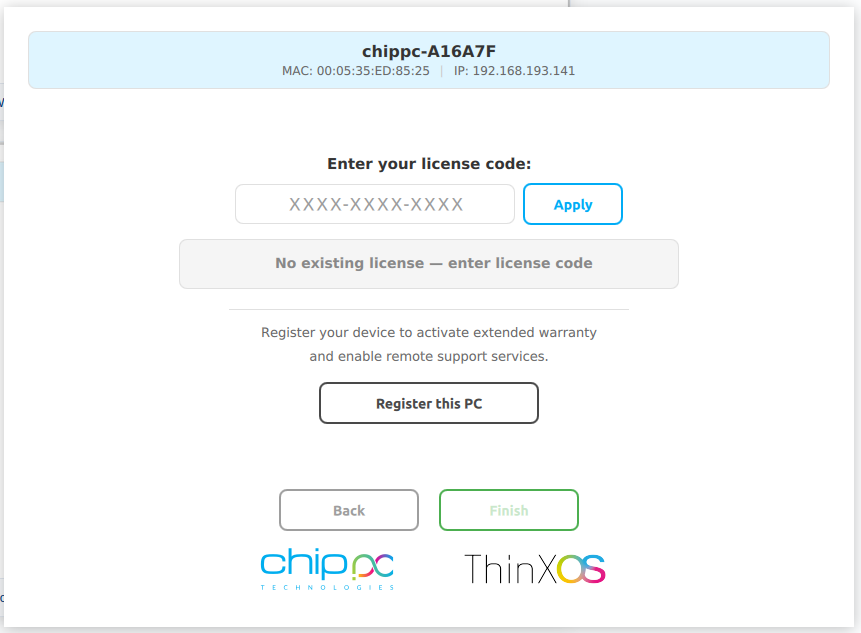
Local license entry
3

Inserisci il codice di licenza

Type your XXXX-XXXX-XXXX license code (received by email) and click Apply.

Register this PC
4

Register & Done

Click Register this PC for warranty and support. The device appears in your Xcalibur dashboard.

Referenze clienti su richiesta

Our solutions are trusted by government agencies, financial institutions, and healthcare providers globally. To respect our clients' security and confidentiality policies, direct references and case studies are available upon request.

Controlli di sicurezza
di ThinX OS

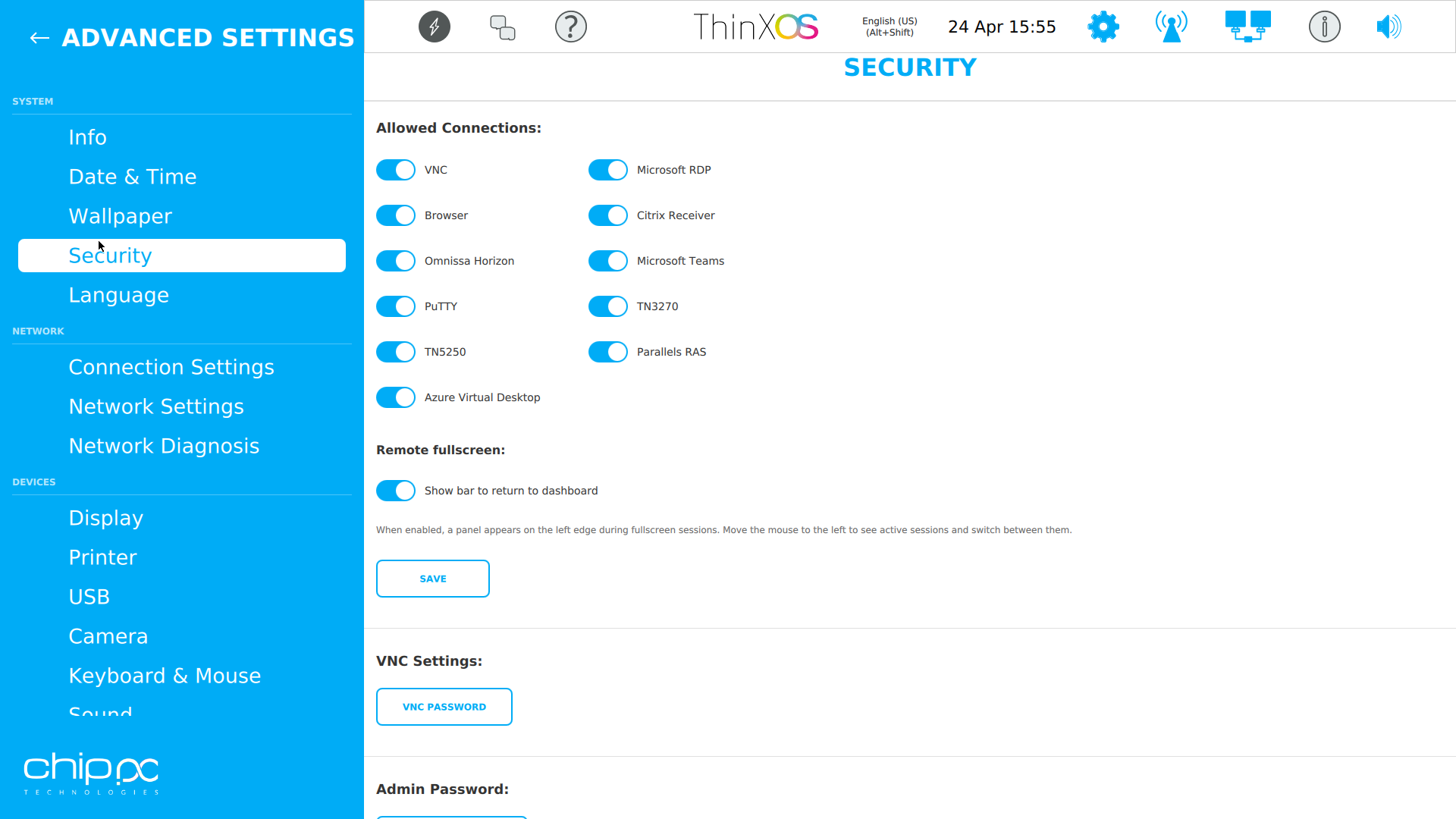
Security is not an add-on in ThinX OS — it is the foundation. Every architectural decision was made to eliminate attack surfaces and protect end-user data, helping you meet enterprise security and privacy requirements in healthcare, finance, government, and education.

File system root in sola lettura

The entire ThinX OS root filesystem is mounted read-only at boot time. A read-only root filesystem helps limit malware persistence across reboots. Even if a session is compromised, the OS reverts to a clean state on next boot — automatically.

Policy USB

Xcalibur enforces USB policies on every ThinX OS device: block all USB storage, allow only whitelisted peripherals, or set read-only mode. Prevent data exfiltration and enforce BYOD policies without any local IT intervention.

802.1X Rete Access Control

ThinX OS supports 802.1X EAP authentication for wired and wireless networks. Only authenticated, registered devices can connect to your corporate network. Certificates are managed and deployed remotely via Xcalibur.

No Local User Accounts

ThinX OS has no local administrator or user accounts to compromise. There is no password to steal, no account to brute-force, no privilege escalation path. All management is done through Xcalibur, protected by 2FA and role-based access control.

Gestione certificati SSL/TLS

Deploy SSL/TLS certificates to any device or group remotely via Xcalibur. Encrypt every connection — RDP, VNC, management traffic — end to end. Certificate renewal and distribution are fully automated, eliminating human error.

Full Audit Trail & GDPR-Ready

Every action on every device is logged with user identity, timestamp, and device ID. Built-in audit log export and scheduled reports help your organisation align with GDPR and internal compliance policies.

ThinX OS Security Settings
ThinX OS — Security settings panel

Protocolli supportati

ThinX OS connects to every major virtual desktop infrastructure out of the box

RDP (Microsoft) — RDP 8.1/10, NLA, RemoteFX Citrix ICA / HDX — Citrix Workspace App VMware Horizon — Omnissa Client (Blast / PCoIP) VNC — Remote assistance SSH Terminal — Admin access Web Browser — Built-in Chromium

Pair ThinX OS with Xcalibur Global to add Azure AVD, Microsoft Teams, PuTTY, TN5250/3270 and Parallels connections, all deployable centrally.

Requisiti di sistema

Runs on all ChipPC thin client hardware — minimal resources, maximum performance

ComponenteMinimoConsigliato
DispositivoCurrent ChipPC thin client modelliLatest ChipPC thin client model
CPUx86 / x64 compatibleIntel Atom / Celeron / Core i3+
RAM2 GB4 GB+
Archiviazione4 GB Flash8 GB+ Flash / SSD
Rete100 Mbps EthernetGigabit Ethernet (Wi-Fi optional)
GestioneXcalibur Global (trial included)Xcalibur Global full license
USB RecoveryRufus (Windows) + 8 GB USBRufus 4.x, 16 GB USB

Dalla prima installazione
a una flotta gestita

1

Compila il modulo

Enter your name, company, and work email. Takes 30 seconds.

2

Ricevi il link di download

An automatic email delivers the ThinX OS image link instantly.

3

Prepara il dispositivo

Use Rufus to write the image to a USB stick and boot your ChipPC device.

4

Attiva la licenza di prova

A second email brings your free trial licence (ThinX OS + Xcalibur Global). Start managing your fleet right away.

Domande frequenti

Quello che serve sapere prima di scaricare ThinX OS

ThinX OS è gratuito?
ThinX OS è un prodotto commerciale — in produzione serve una licenza per dispositivo. Si può valutare gratis: il modulo invia (1) il link dell’immagine ThinX OS e (2) una licenza di prova (ThinX OS e la console Xcalibur Global). Nessuna carta, nessun impegno durante la prova. Contattaci for full licence pricing once you're ready to roll it out.
Su quale hardware gira ThinX OS?
ThinX OS è il Linux embedded dei thin client Chip PC attuali. Gira anche su hardware x86 / x64 con almeno 2 GB di RAM e 4 GB di flash. Per periferiche e driver GPU previsti, i dispositivi Chip PC ufficiali restano la piattaforma raccomandata.
Quali protocolli desktop remoto sono supportati?
Inclusi: Microsoft RDP (8.1/10, NLA, RemoteFX), Citrix ICA/HDX (Citrix Workspace App, USB passthrough, H.264), Omnissa Horizon (già VMware Horizon, client Blast Extreme e PCoIP), VNC, terminale SSH e un browser Chromium integrato. Con Xcalibur Global si possono anche distribuire Microsoft Teams, AVD, PuTTY, TN5250/3270 e Parallels.
In che modo ThinX OS differisce da Windows su un thin client?
ThinX OS usa un file system root in sola lettura: ransomware e malware non hanno dove persistere sul file system di sistema. Non ci sono account utente Windows locali né i relativi percorsi di privilegio. La gestione passa da Xcalibur Global (2FA, RBAC, registro di audit). 802.1X EAP-TLS / certificati SSL si distribuiscono da remoto.
Serve Xcalibur Global per usare ThinX OS?
No: ThinX OS funziona anche in modalità standalone con licenza locale. Xcalibur Global sblocca distribuzione, configurazione remota, task, controllo nel browser, audit e helpdesk. La prova include le licenze ThinX OS e Xcalibur Global.
Come si installa ThinX OS?
Scarica l’immagine ThinX OS, scrivila su USB con Rufus (Windows) o uno strumento equivalente, poi avvia il thin client Chip PC da USB (spesso F7, F9 o Canc). Il wizard guida all’iscrizione Xcalibur o al codice locale (XXXX-XXXX-XXXX).
Come sono gestiti GDPR e privacy?
ThinX OS non memorizza i dati di sessione utente: la sessione gira sul vostro server VDI / RDP. Xcalibur Global tiene un registro di audit (utente, orario, dispositivo, azione) esportabile. I dati della flotta restano sul vostro server, on-premises o nel vostro cloud.
Che supporto c’è durante la prova?
Il supporto tecnico Chip PC è incluso durante la prova: assistenza e-mail e guida all’installazione. Documentazione: chippc.com/wiki.

Scarica ThinX OS

ThinX OS is a commercial product — but you can evaluate it free for a limited time. Compila il modulo to receive two emails: one with the ThinX OS download link, and one with your trial licence (covering ThinX OS and Xcalibur Global). Nessuna carta di credito. Nessun impegno durante la prova.

ThinX OS image (USB-flashable)
Free evaluation licence (ThinX OS + Xcalibur Global)
Quick-start setup guide (PDF)
Email support during the trial
Quale soluzione VDI utilizzate?
Su quale hardware verrà eseguito ThinX OS?
Chi è il referente tecnico?

 Your data is confidential and never shared.  Privacy Policy