Complete documentation for the Xcalibur Global fleet management platform — installation, configuration, users, connections, tasks, helpdesk, security and more.
Documentation complète de la plateforme de gestion de parc Xcalibur Global — installation, configuration, utilisateurs, connexions, tâches, helpdesk, sécurité et bien plus.
Vollständige Dokumentation der Xcalibur Global Fleet-Management-Plattform — Installation, Konfiguration, Benutzer, Verbindungen, Aufgaben, Helpdesk, Sicherheit und mehr.
Documentación completa de la plataforma de gestión de parque Xcalibur Global — instalación, configuración, usuarios, conexiones, tareas, helpdesk, seguridad y más.
Documentação completa da plataforma de gestão de frota Xcalibur Global — instalação, configuração, utilizadores, conexões, tarefas, helpdesk, segurança e muito mais.
Documentazione completa della piattaforma di gestione parco Xcalibur Global — installazione, configurazione, utenti, connessioni, attività, helpdesk, sicurezza e altro.
תיעוד מלא של פלטפורמת ניהול הצי Xcalibur Global — התקנה, הגדרות, משתמשים, חיבורים, משימות, helpdesk, אבטחה ועוד.
v4.3.16Chip PCEN · FR · DE · ES · PT · IT · HE
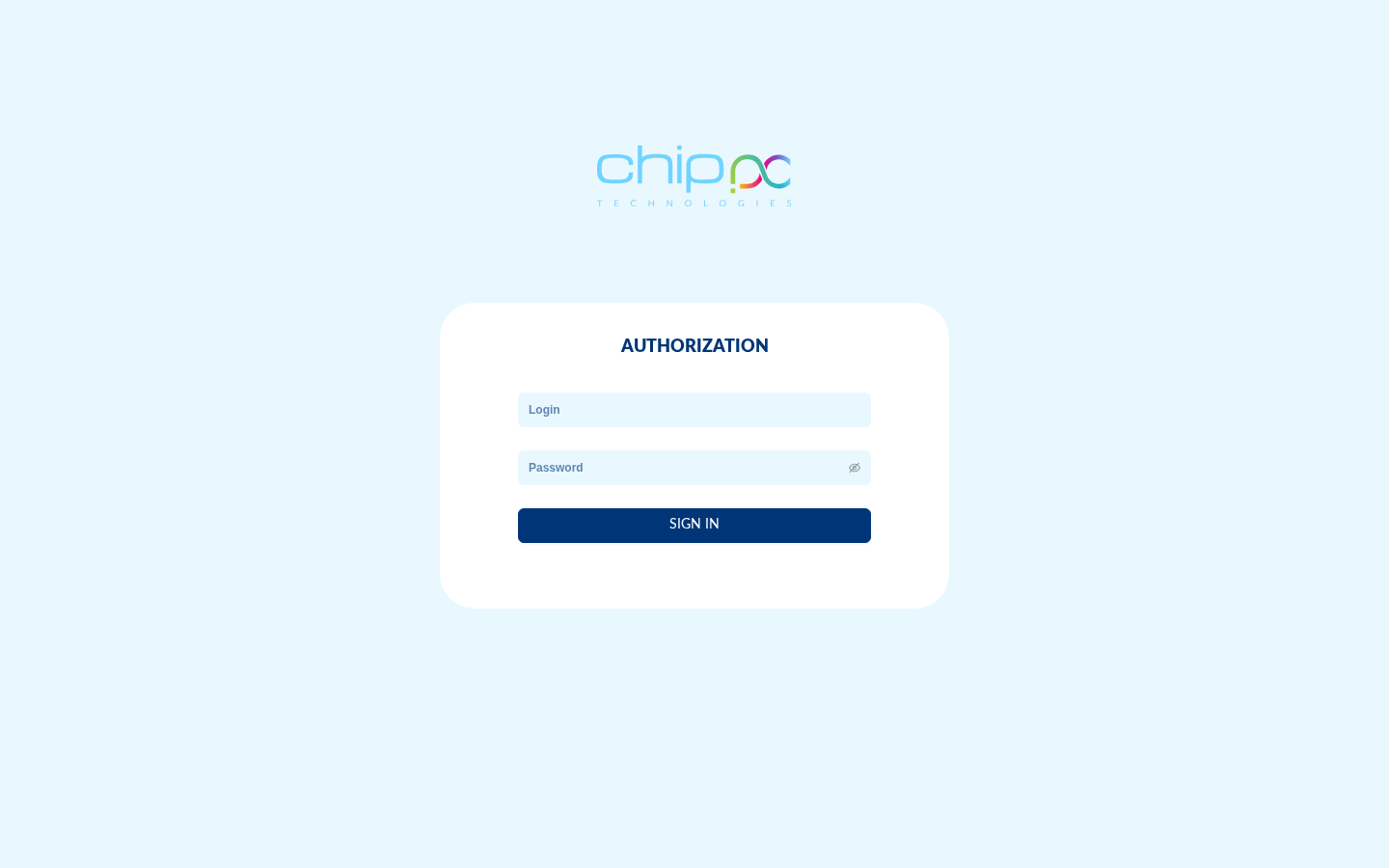
Xcalibur Global login page — secure access with 2FA supportPage de connexion Xcalibur Global — accès sécurisé avec support 2FAXcalibur Global Anmeldeseite — sicherer Zugang mit 2FA-UnterstützungPágina de inicio de sesión — acceso seguro con soporte 2FAPágina de login — acesso seguro com suporte 2FAPagina di login — accesso sicuro con supporto 2FAדף הכניסה של Xcalibur Global — גישה מאובטחת עם תמיכה ב-2FA
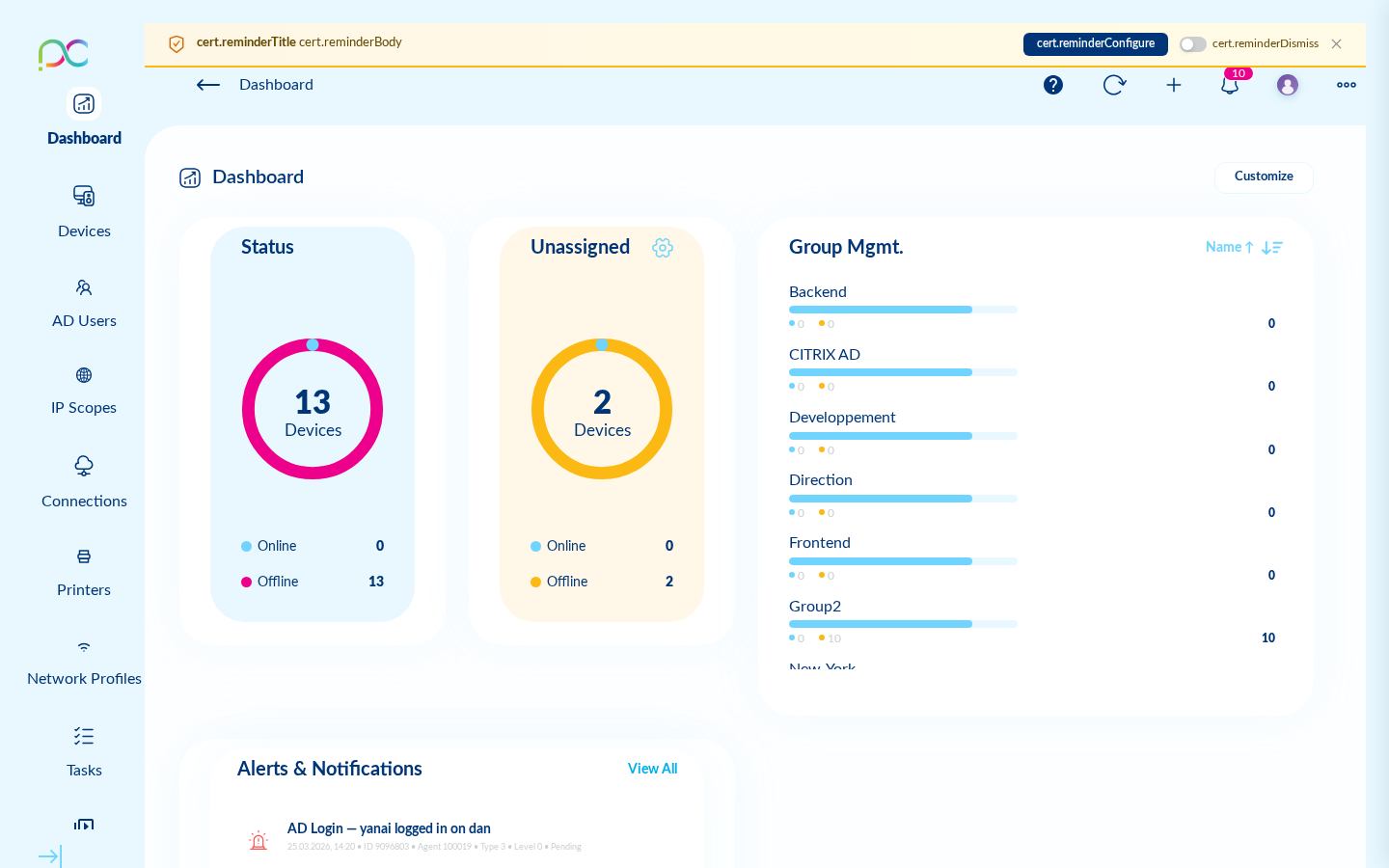
Main dashboard — real-time overview of your fleetTableau de bord principal — vue en temps réel de votre parcHaupt-Dashboard — Echtzeit-Überblick über Ihre GeräteflottePanel principal — vista en tiempo real de su parquePainel principal — visão em tempo real da sua frotaDashboard principale — panoramica in tempo reale del parcoלוח המחוונים הראשי — סקירה בזמן אמת של הציוד
Devices are organized in groups. The Group ID in the URL and filters identifies which fleet segment you manage — tasks, connections, and policies apply at group level.
How do I push settings to many devices?
Create a Task (Tasks chapter), choose the target group and task type (e.g. screen resolution, network profile, connection deploy), then run or schedule it.
Why does a device show offline in the fleet?
Check network connectivity on the device, that the management server address is correct in discovery settings, firewall rules, and that the ThinX agent service is running. See Fleet and Server settings → Discovery.